
Affiliate Disclosure: This post contains affiliate links. We may earn a commission if you sign up, at no extra cost to you.
What Is FlexClip?
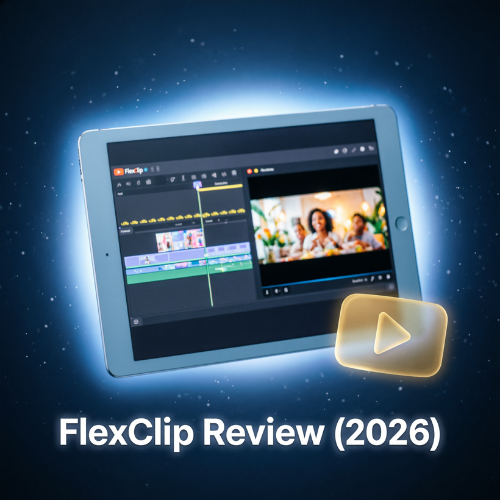
FlexClip is a browser-based AI video maker focused on speed and simplicity. By 2026, it’s widely used by small businesses, educators, and affiliate marketers who need clean, conversion-focused videos without editing experience or software installs.
🔑 Key Features (2026)
- AI Script-to-Video: Turn blog posts, prompts, or URLs into structured videos.
- Auto-Caption & Voiceover: 140+ languages with one-click styling.
- Brand Kit Sync: Save logos, colors, and fonts for consistent output.
- Stock Library: 1M+ royalty-free clips, photos, and music tracks.
- Direct Social Export: Optimized ratios for TikTok, Reels, YouTube, Facebook.
✅ Pros & ❌ Cons
| Pros | Cons |
|---|---|
| Extremely intuitive interface | Limited advanced transitions & effects |
| Great for ads & short-form content | AI voices can sound flat on long scripts |
| Affordable pricing tiers | Free plan has strict export limits |
💰 Pricing (USD)
- Free: 12 projects, 480p, watermark
- Plus: ~$12/mo – 1080p, 50 projects, no watermark
- Business: ~$24/mo – 4K, 100 projects, brand kit, team access
🎯 Best For
Small business owners, affiliate marketers, teachers, and social managers who prioritize speed over cinematic control.
🏁 Final Verdict
FlexClip doesn’t try to be everything. It does one thing exceptionally well: helping non-editors publish professional videos in minutes. If you value simplicity and fast turnaround, it’s a reliable 2026 pick.
🔗 Try FlexClip → https://www.flexclip.com


